Ask the hard questions. Get Scripture back.
Ask what you've actually been wondering — no appointment, no audience, no question too basic. Every answer cites the verses behind it, so you can open the passage and weigh it for yourself.
Works on iPhone and Android Free, with no ads or tracking Watch the 30-second demo
Why Explore the Word
One question, half a minute
Ask something real, watch the answer arrive with its sources, then tap a verse and land in the reader with it highlighted.
Built for study, not for scrolling
Already have a Bible app? This one answers questions and shows its sources. Every screen is built around one job: getting you into Scripture and helping you stay there.
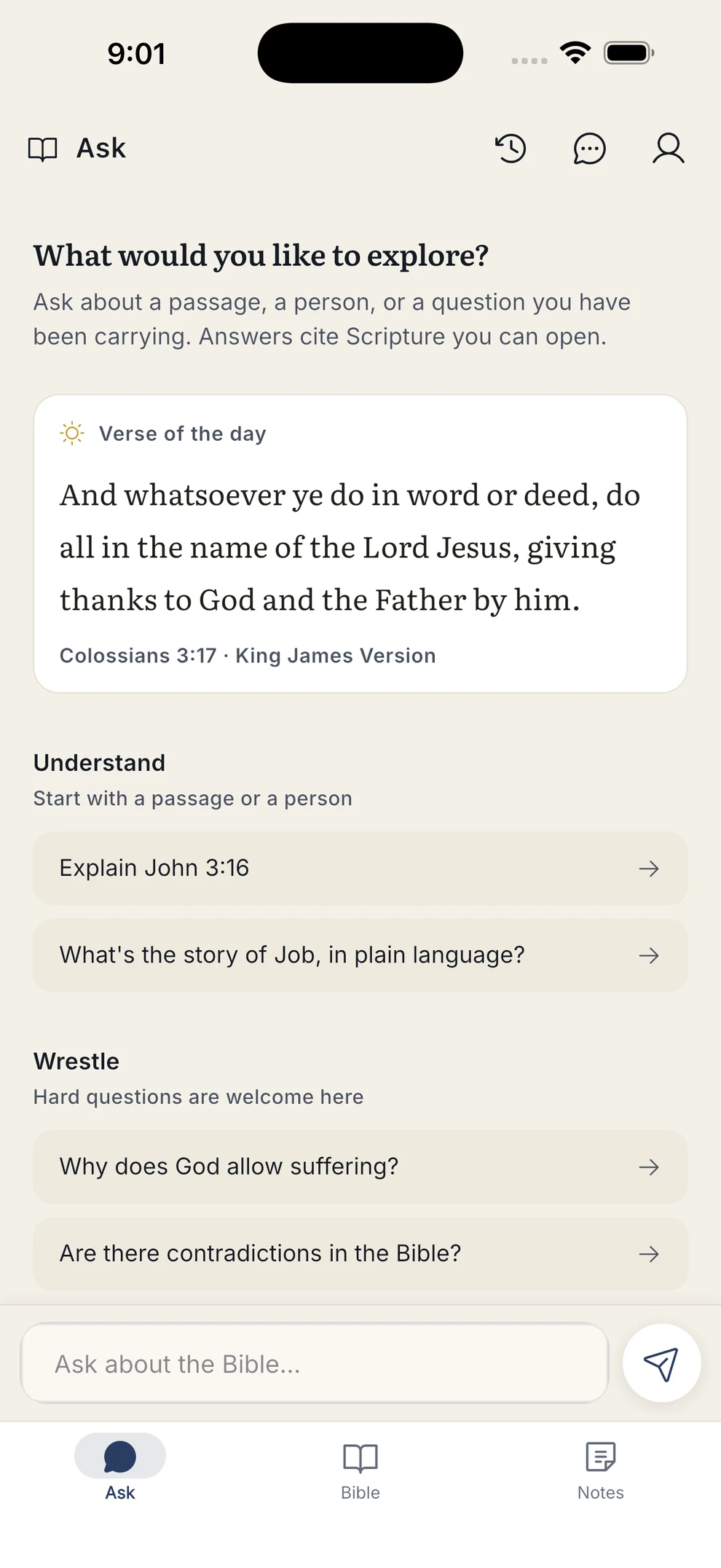
Ask anything, in plain words
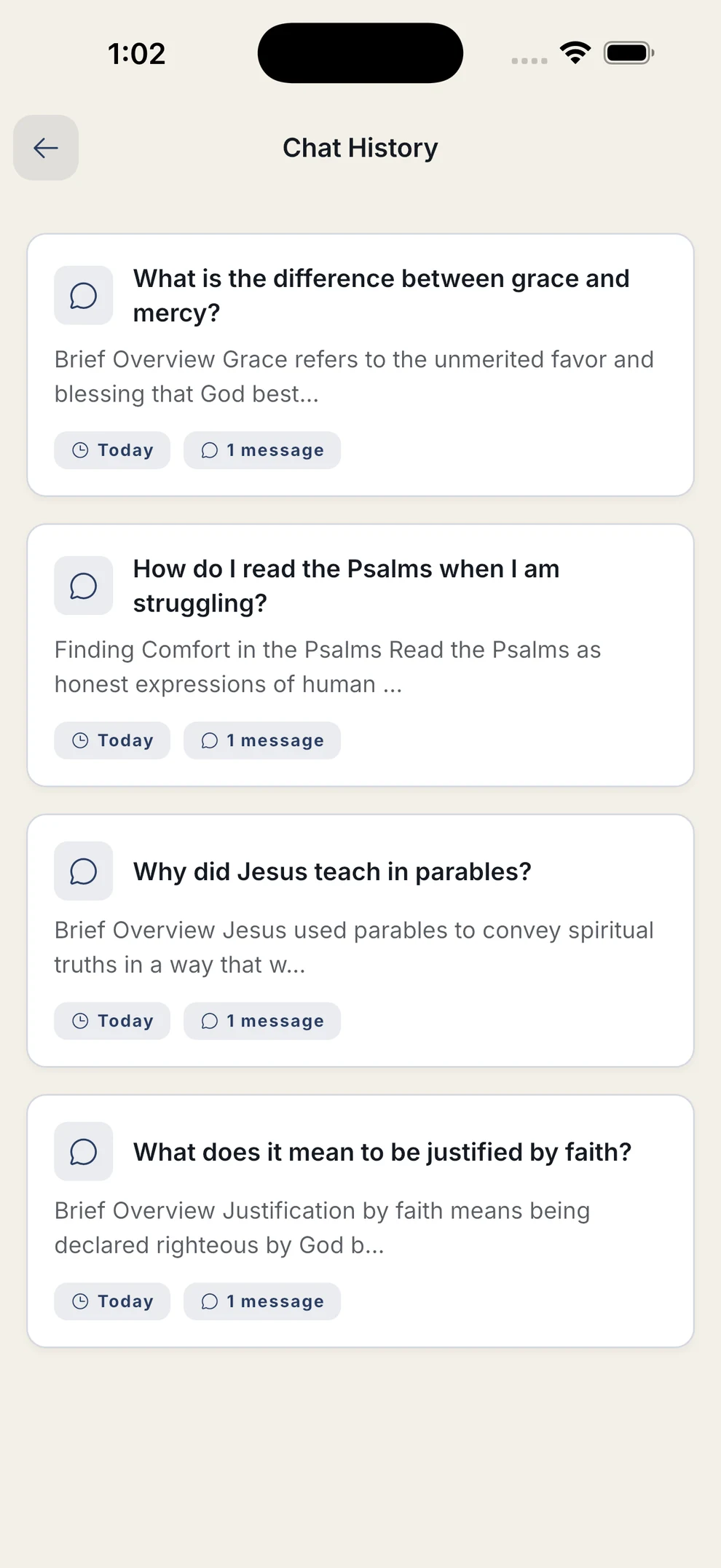
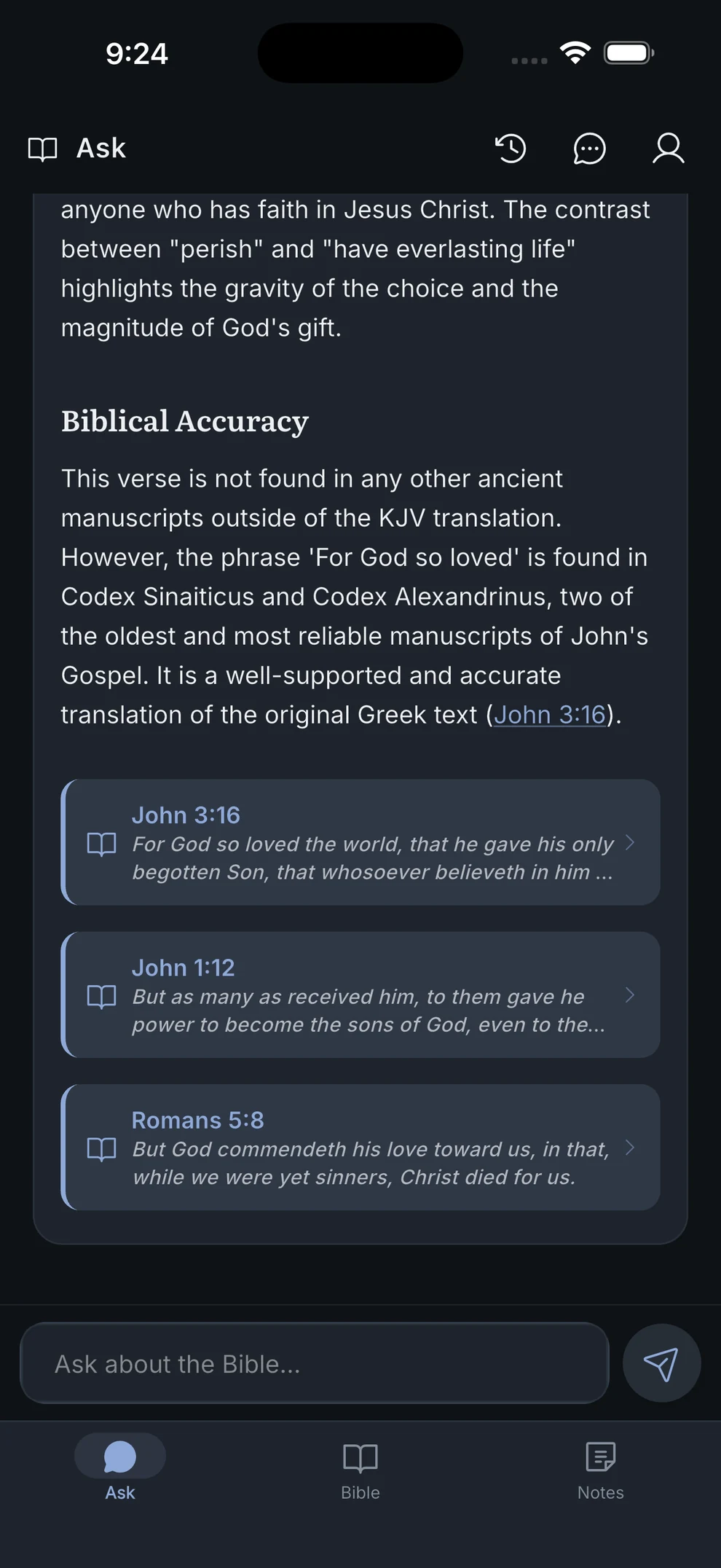
Type a question the way you'd say it out loud. Answers come back structured — a brief overview, the spiritual context, and a note on biblical accuracy — rather than a wall of text.
- Grouped starter prompts: Understand, Wrestle, Apply
- Edit any question and regenerate the answer
- Conversations save to history and sync across your devices
- Today's verse sits at the top, tappable
Answers come back in English, whatever language you ask in — it is the version of the assistant we can stand behind, and it keeps the verse references inside an answer tappable.
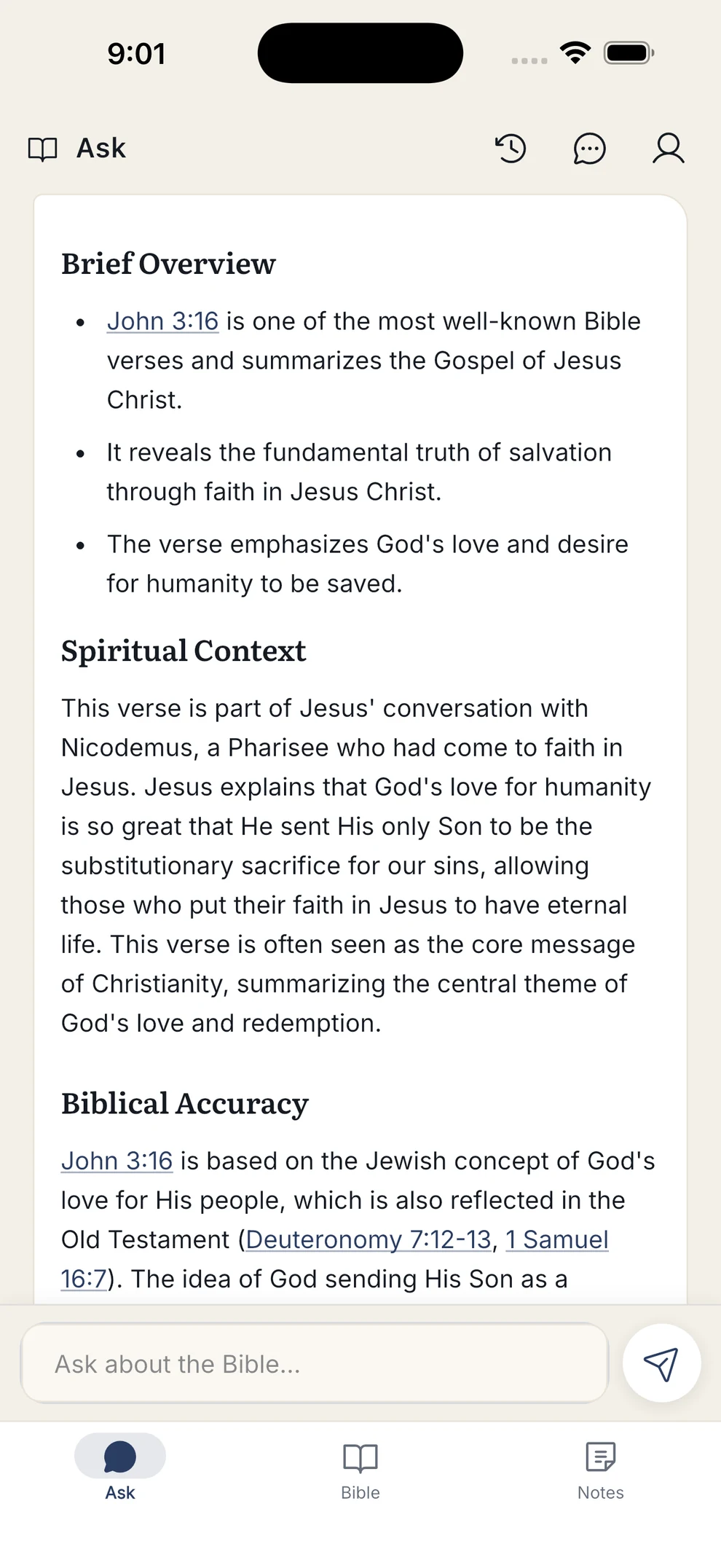
Every answer shows its work
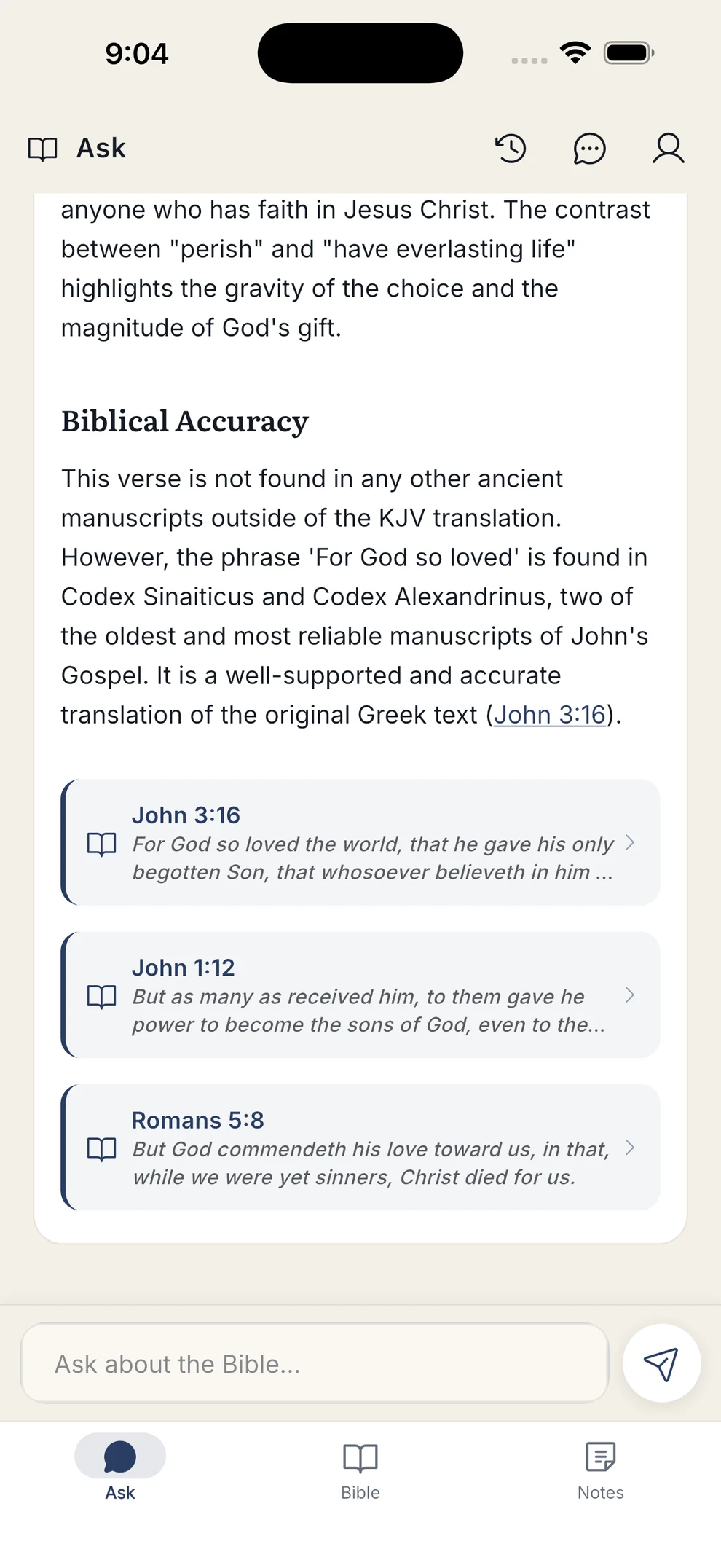
References are woven right into the sentence they back, not tacked on afterward — every part of an answer carries the verse behind it, so you can weigh the claim against Scripture as you read.
- Inline references like “John 3:16” open the reader
- Every part of the answer carries its own supporting verse
- Tap through without losing the conversation
Land on the verse, not the chapter
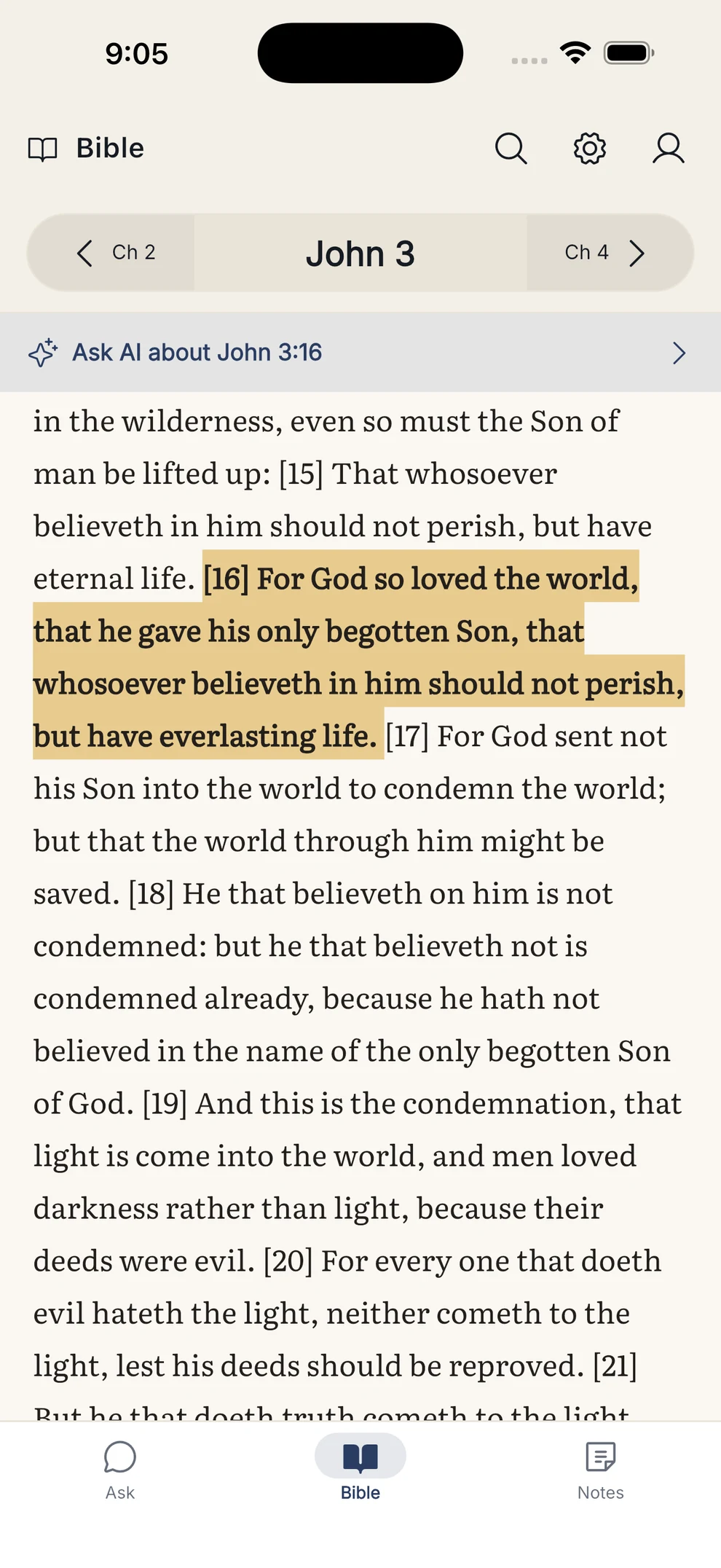
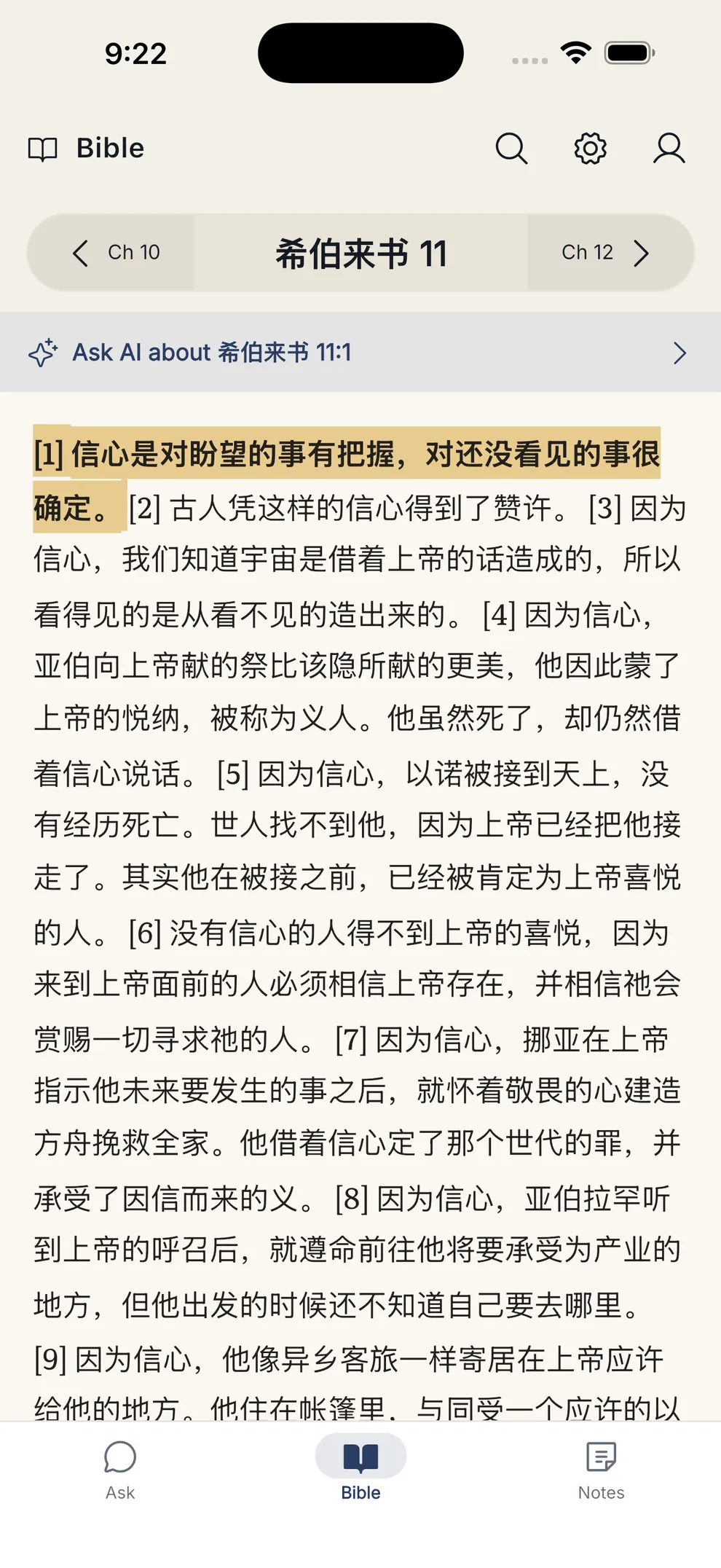
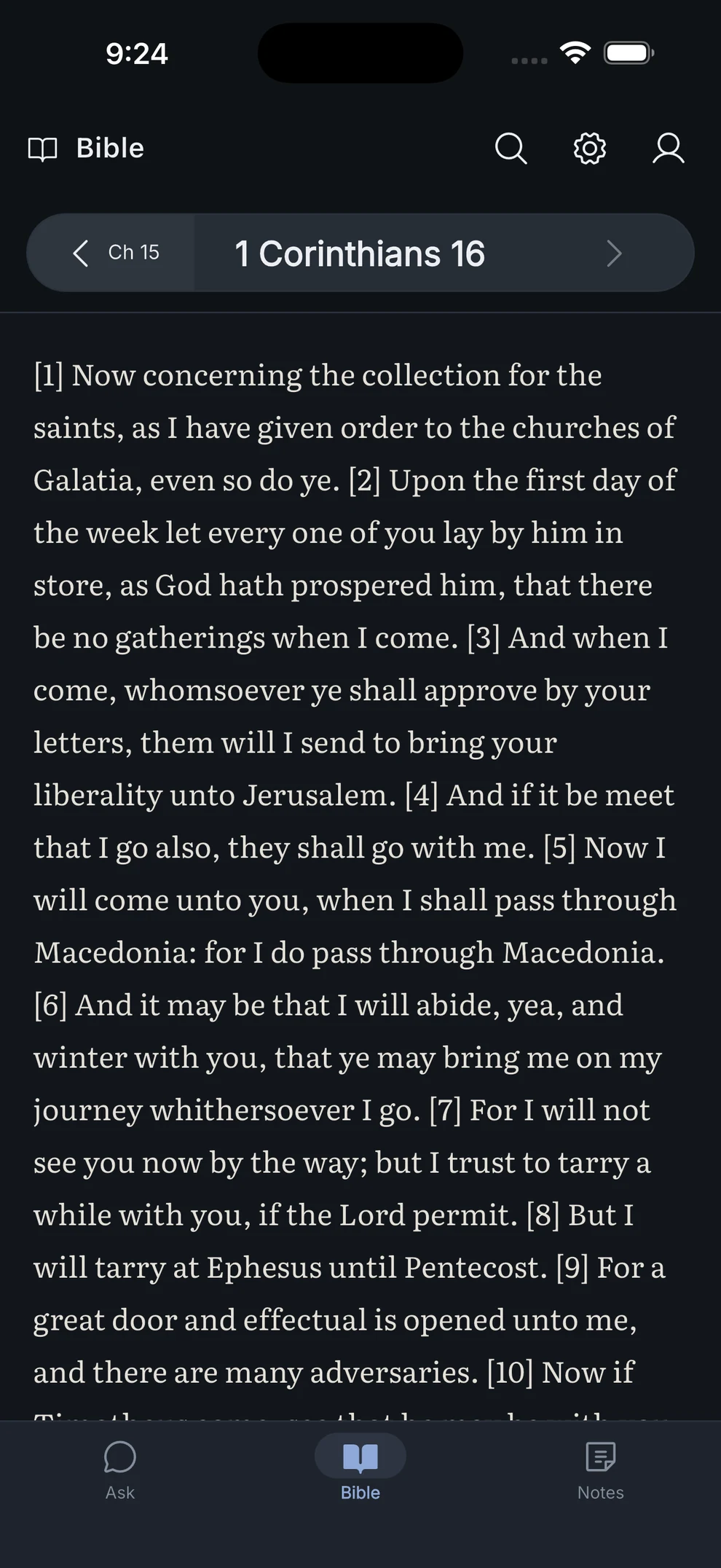
Tapping a reference opens the chapter scrolled to that verse with it highlighted, so you never hunt for it. A bar at the top offers to take the passage straight back into conversation.
- Verse highlighted on arrival, tap to dismiss
- “Ask AI about this verse” bridges reading back into study
- Swipe or tap between chapters
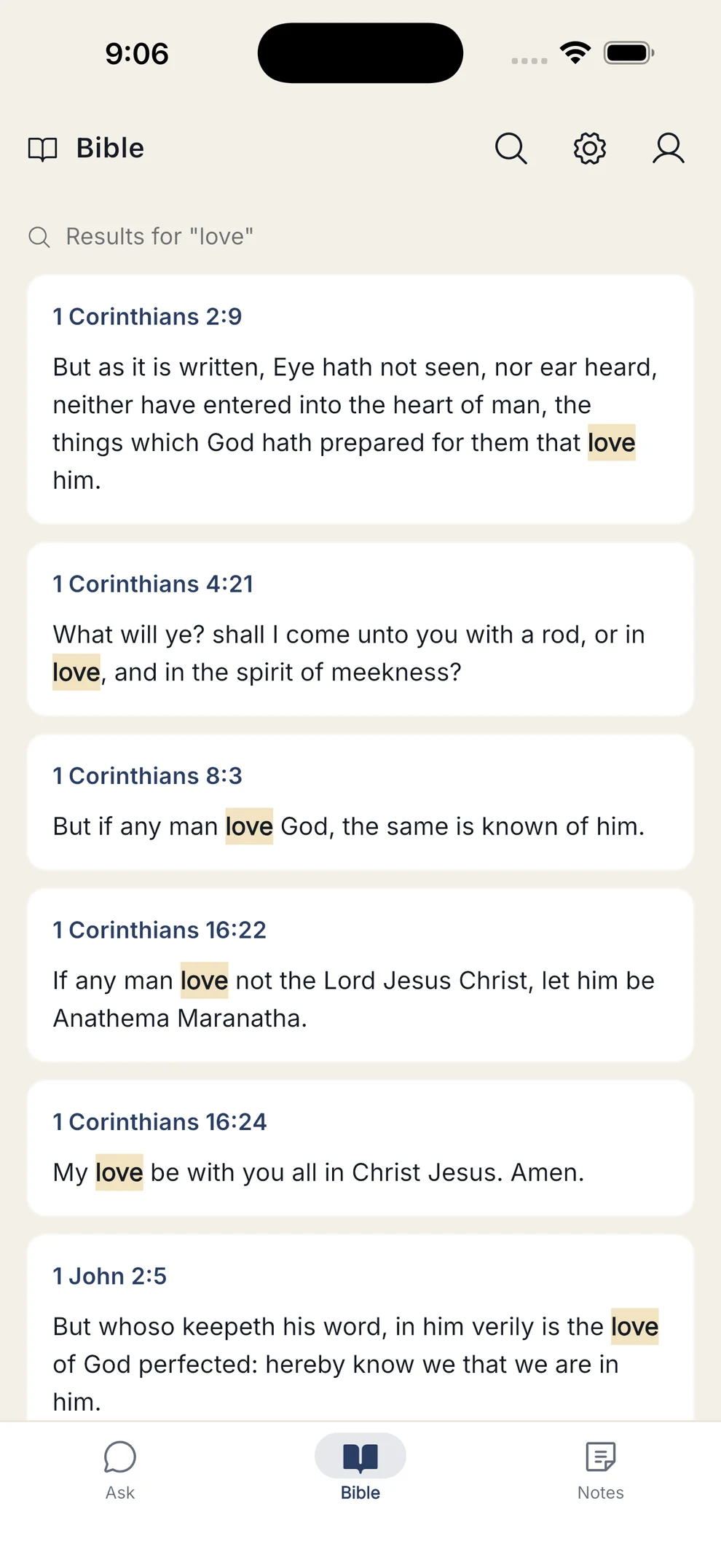
- Whole-word search across the whole Bible
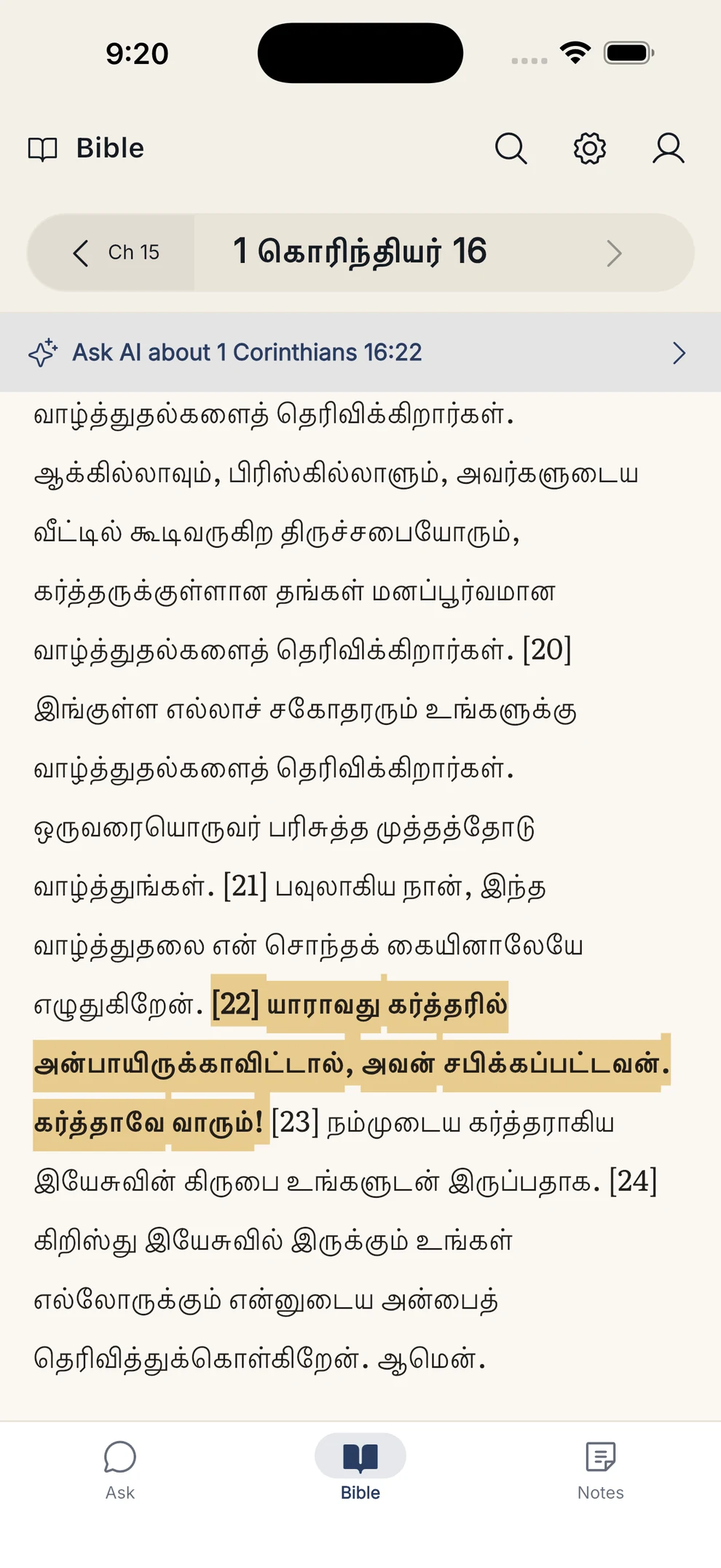
Seven translations, three languages, no signal required
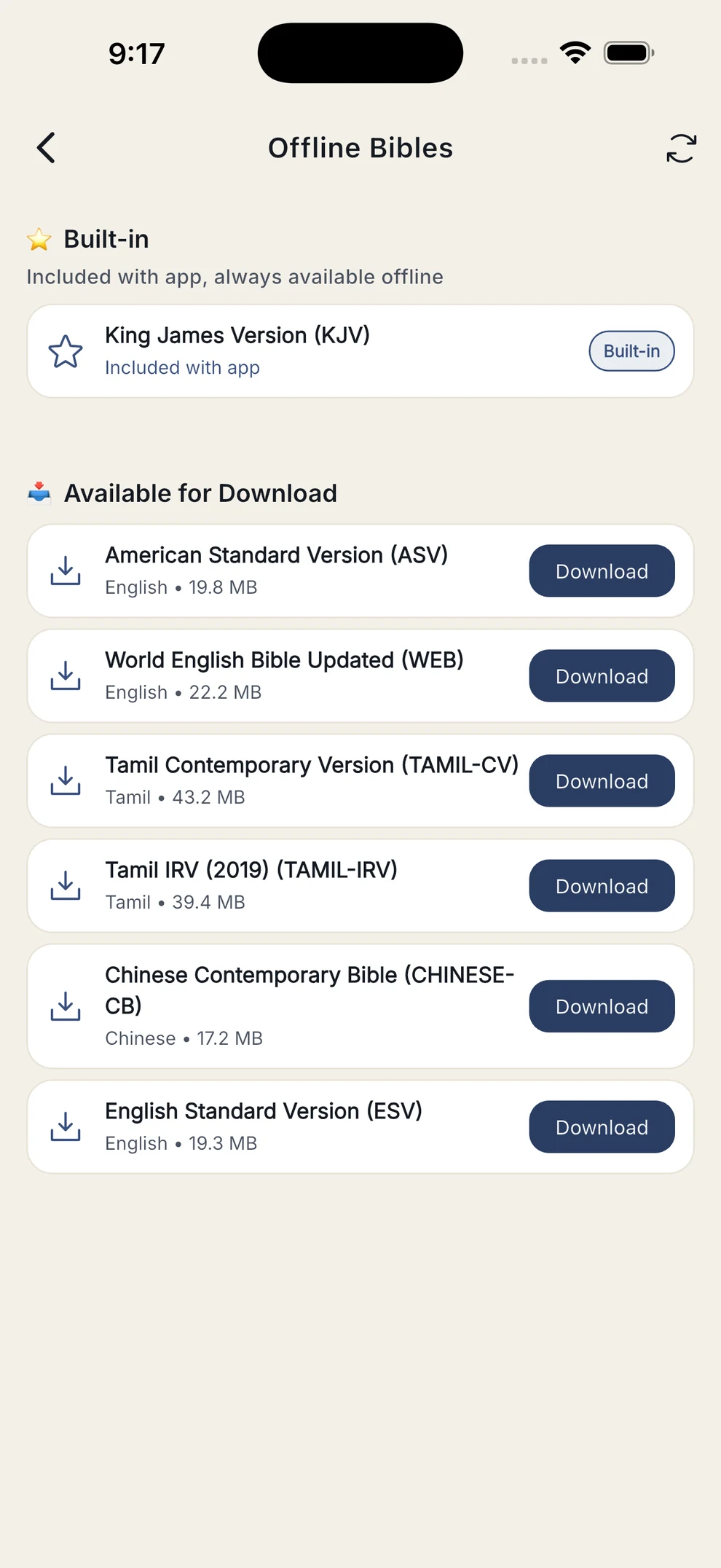
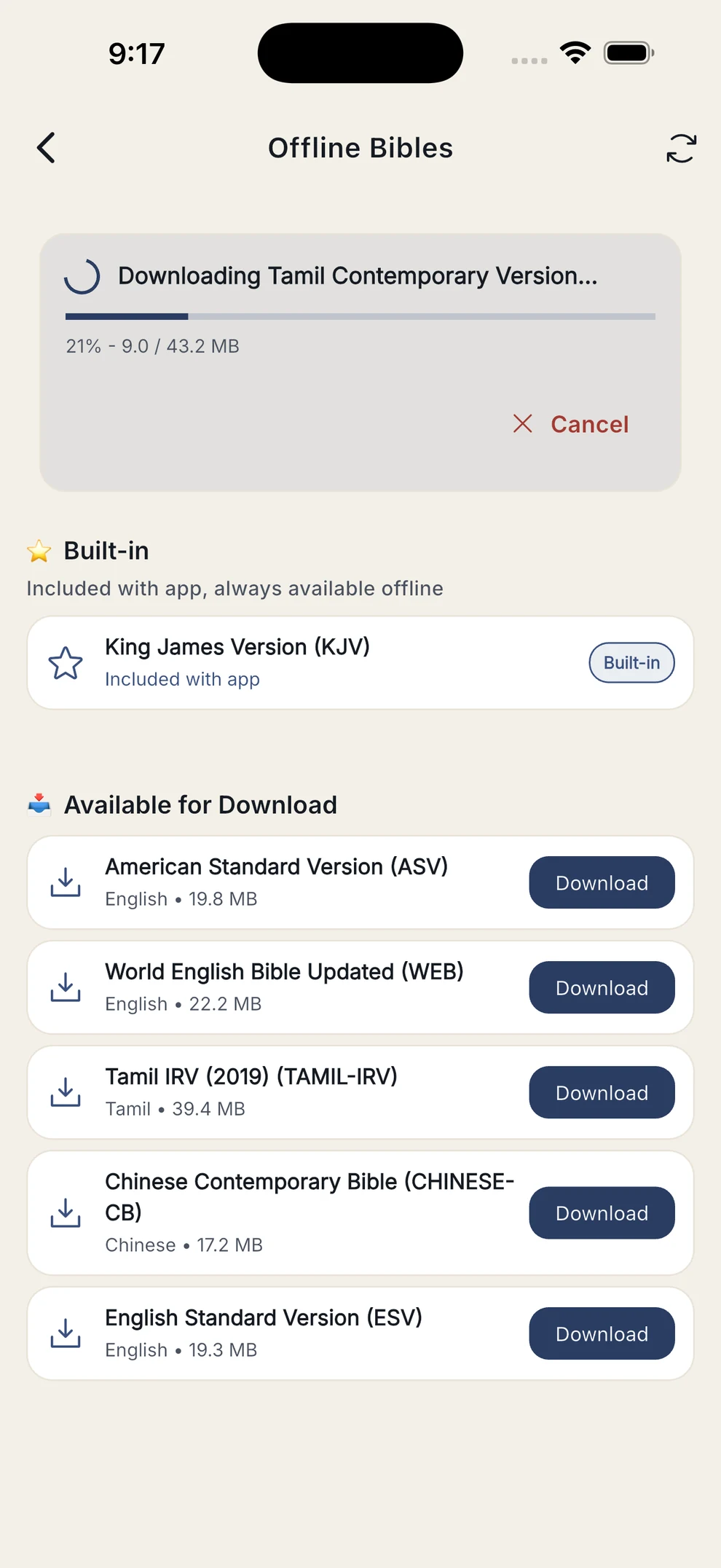
The King James Version ships inside the app, so reading works the moment you install it. Add any other translation as a one-time download and it stays on your device.
- KJV bundled — nothing to download first
- Tamil and Chinese render properly, script and all
- Switch translation mid-chapter and stay on the same passage
- Downloads continue if you leave the screen
This is about reading Scripture. The AI answers themselves are always in English — see the FAQ for why.
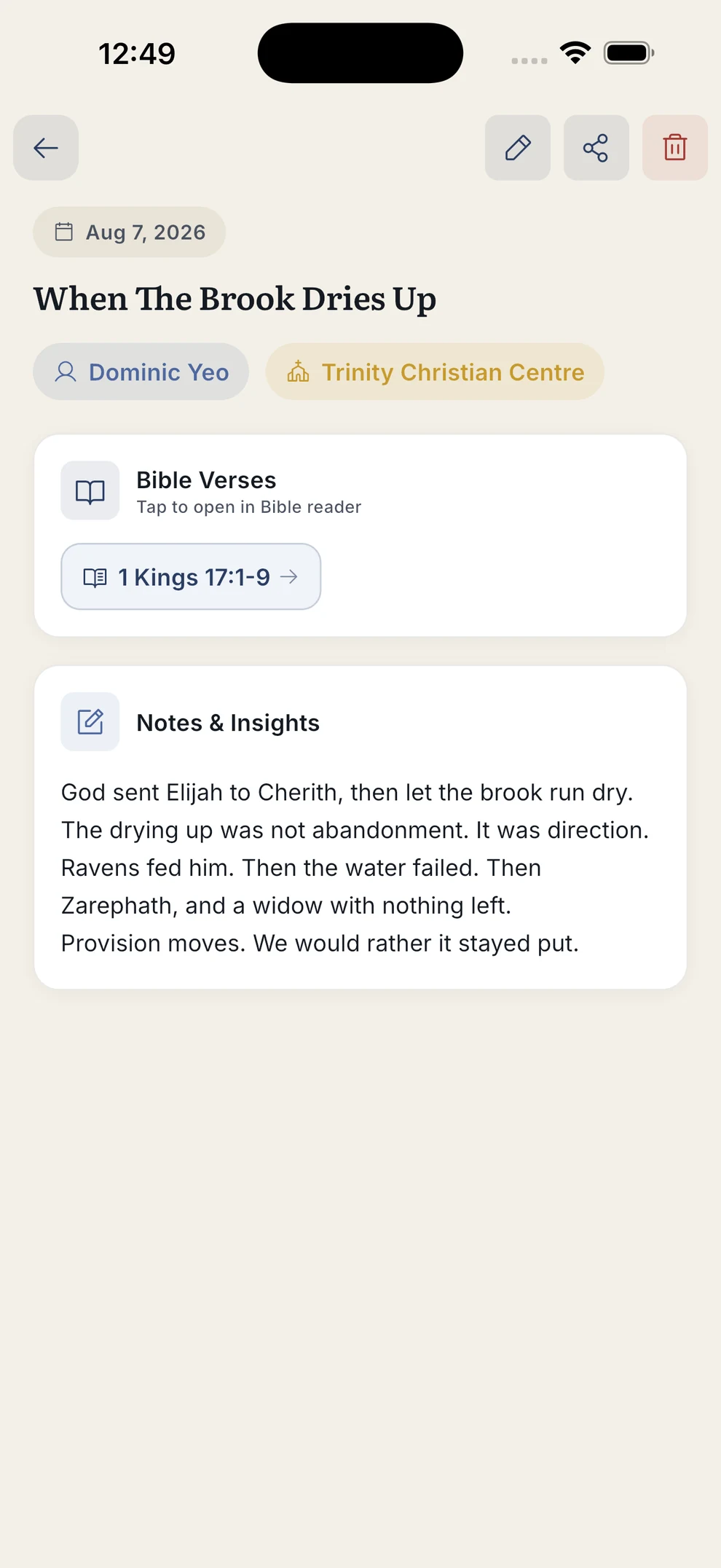
Sermon notes that keep their references
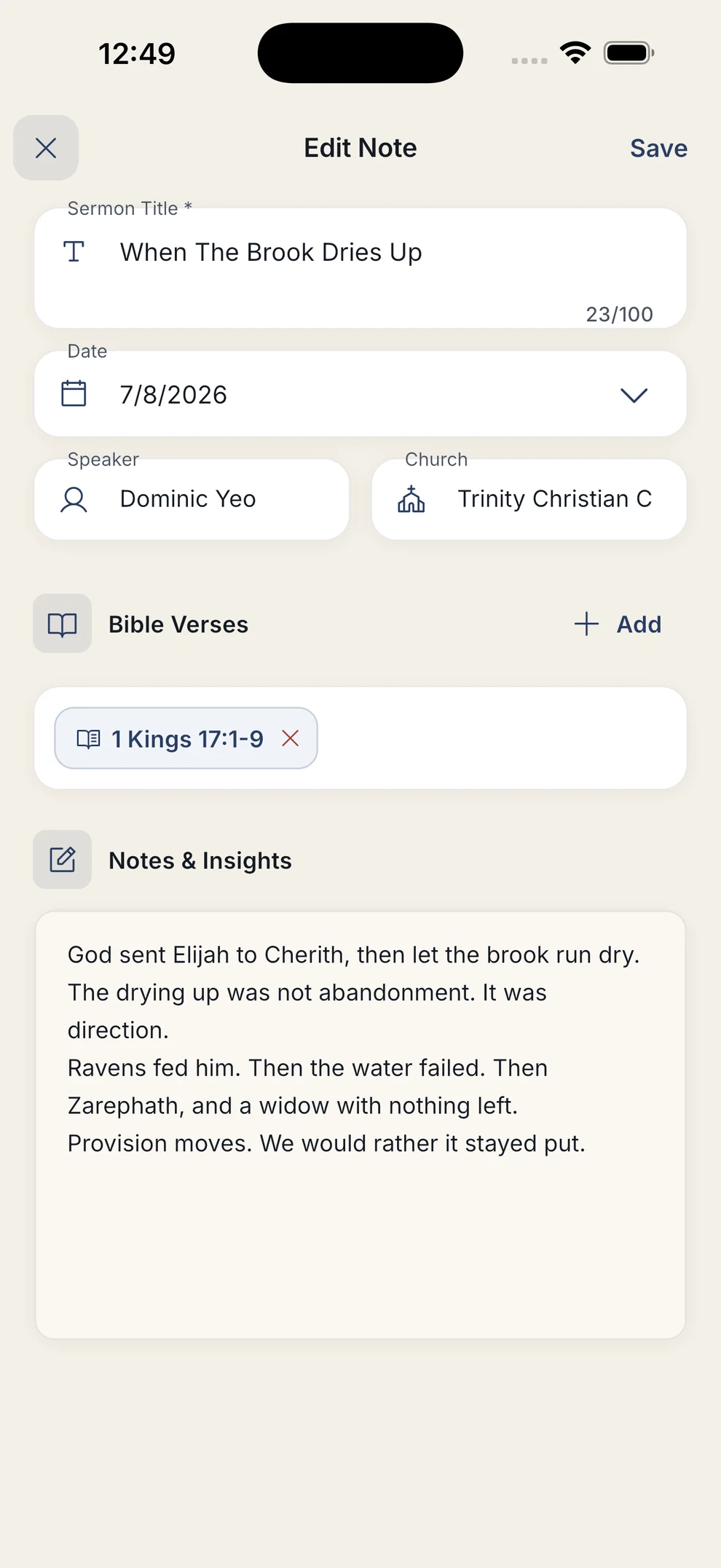
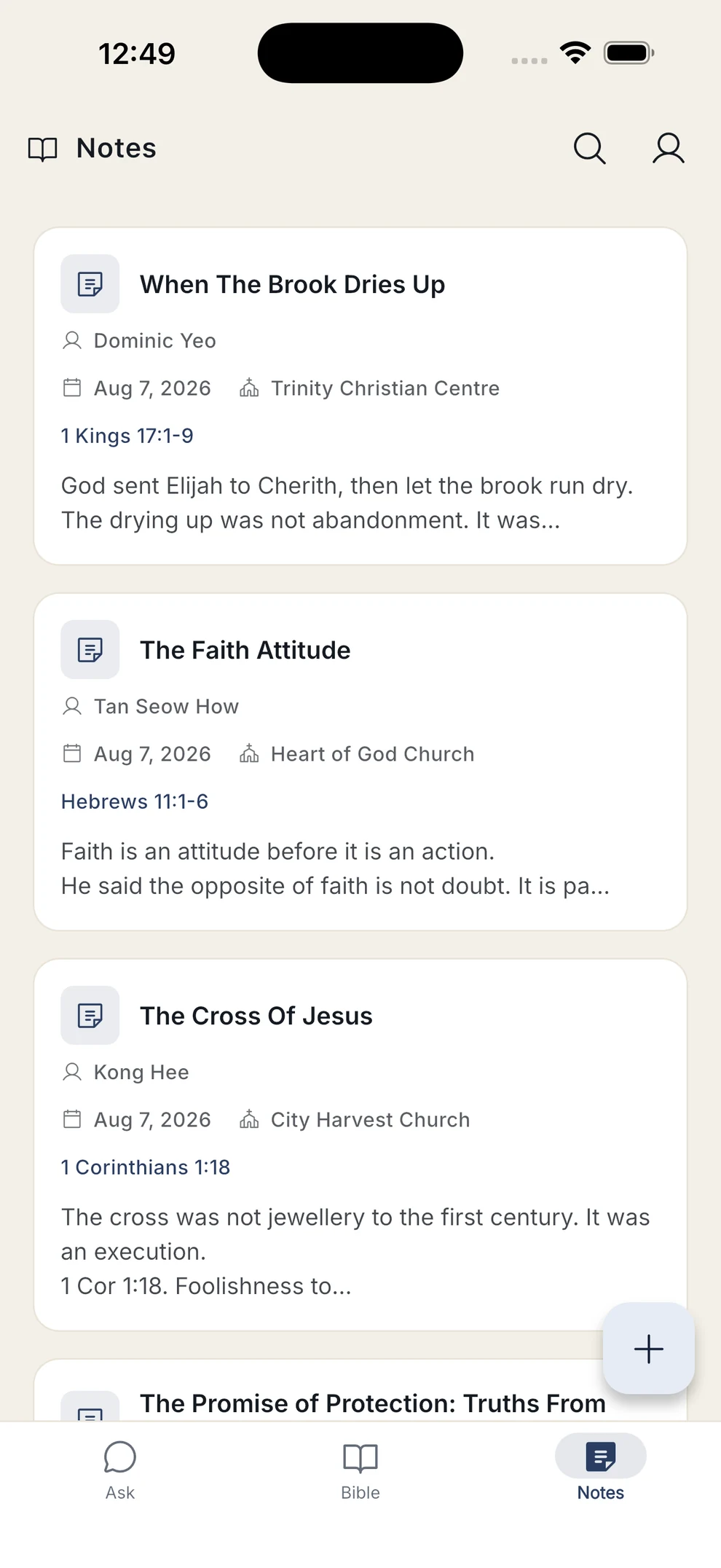
Capture the title, speaker, church and date, attach the passages being preached, and write as much as you like. Verse chips open the reader, so a note stays connected to the text behind it.
- Attach verses and passage ranges from a searchable picker
- Tag notes, and filter by speaker, church, tag or date
- Write offline — notes sync when you're back online
- Share a note as text
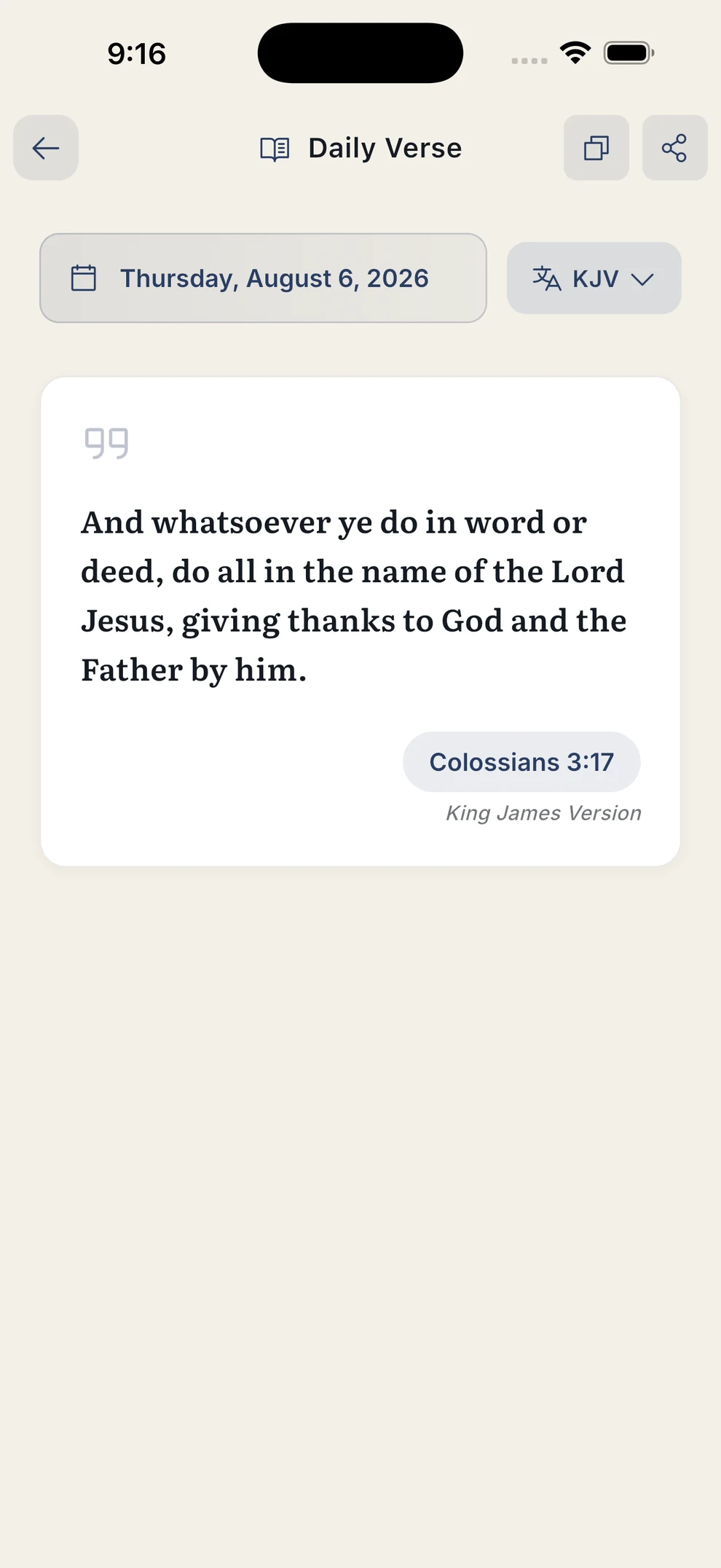
A verse each day
A daily passage to read, copy, share or open in context — in your chosen translation, with an optional reminder at a time you set.
Search the whole Bible
Search every book and land on the matches, highlighted in place. Works offline on any translation you have downloaded, in English, Tamil or Chinese.
Dark mode and large text
A full dark theme for reading at night, and layouts that hold their shape at the largest accessibility text sizes.
Ready to read?
Free, no ads, and the King James Version is already inside — nothing to download before you start.
A closer look
Screenshots from the current release, in both light and dark themes.
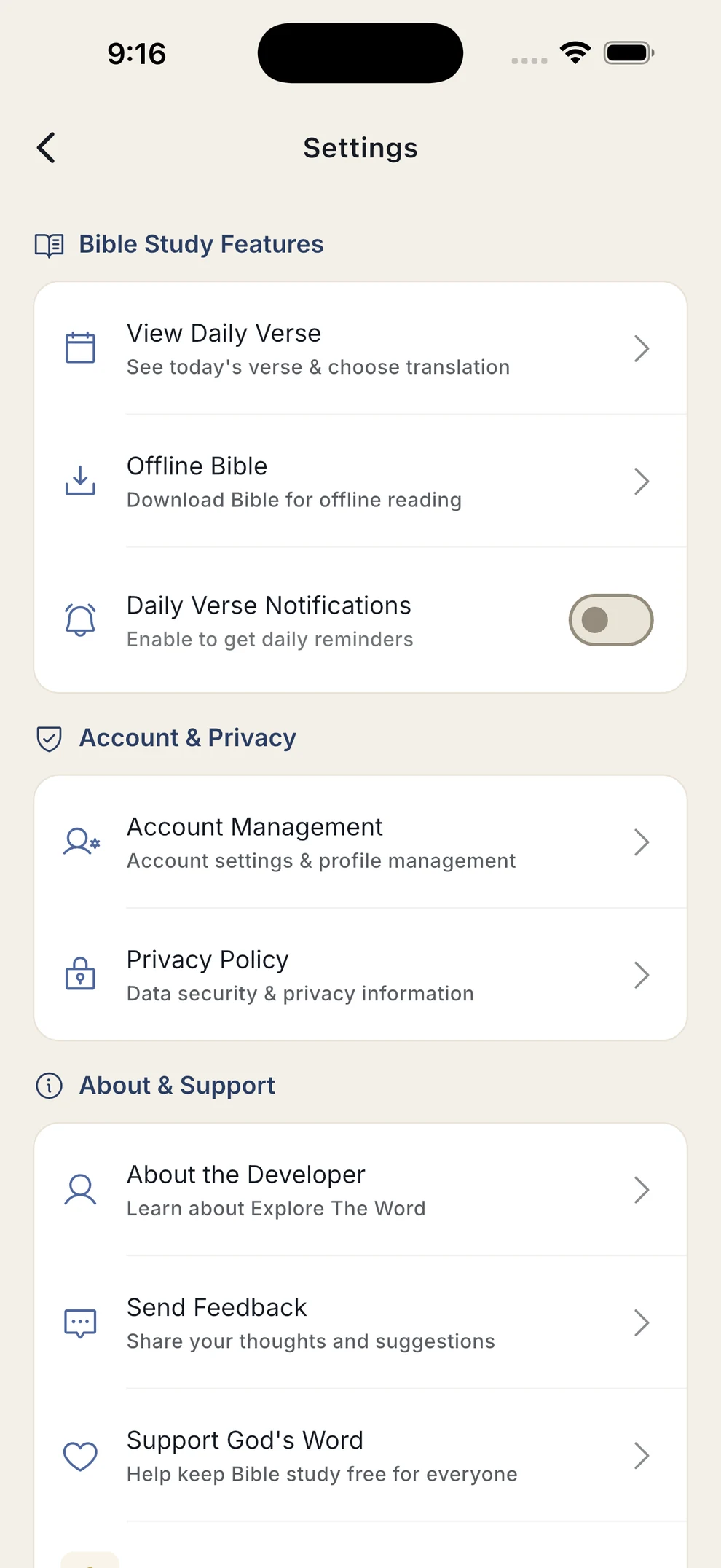
Scroll for more
Seven translations, three languages
The King James Version is built in. Everything else is a one-time download that then works offline.
English
- KJV King James Version — built in
- ASV American Standard Version
- WEB World English Bible Updated
- ESV English Standard Version
Tamil
- TAMIL-CV Tamil Contemporary Version
- TAMIL-IRV Tamil IRV (2019)
Chinese
- CHINESE-CB Chinese Contemporary Bible
Three steps, about a minute
Install and open
Free on the App Store and Google Play. Create an account, and the King James Version is already inside — nothing to download before you start reading.
Ask, or just read
Tap a starter question or type your own. Prefer to read? Go straight to the Bible tab and browse any book and chapter.
Download what you need
Add translations from Settings → Offline Bible. Once downloaded, they work with no connection at all.
What this app does and doesn't do
Worth being clear about, because Bible study is not a place for vague marketing.
It can be wrong
Answers are generated, and generated text makes mistakes. Nothing here replaces reading the passage yourself, your own study, or your pastor and church.
It points to Scripture
Answers cite the passages they rest on and open them in one tap. It is a study aid — Scripture itself remains the authority, and you are meant to check it.
It respects your data
No ads, and your data is not sold. An account is required, and it earns its keep: it is what lets your notes and chat history follow you between your own devices. Once you are signed in, reading and notes work offline.
Start reading tonight
Free, no ads, and the King James Version is already inside — install it once and it works on a plane, in a basement, anywhere.
Works on iPhone and Android · Free, with no ads
Questions first? Read the FAQ or get in touch.